
Processing ecommerce orders involves more than receiving a customer’s purchase. Businesses must confirm orders, verify payments, update inventory records, prepare items for dispatch, and keep customers informed about delivery progress. Managing these tasks manually can become difficult as order volumes increase or sales channels expand.
Ecommerce order automation connects these activities through software, predefined rules, and integrations between business systems. Instead of requiring staff to handle every routine step individually, businesses can automate eligible tasks and coordinate the remaining work across their operations.
Understanding how automation works from checkout to shipping can help ecommerce businesses identify repetitive processes, reduce unnecessary manual work, and improve coordination between order management, inventory, and warehouse teams.
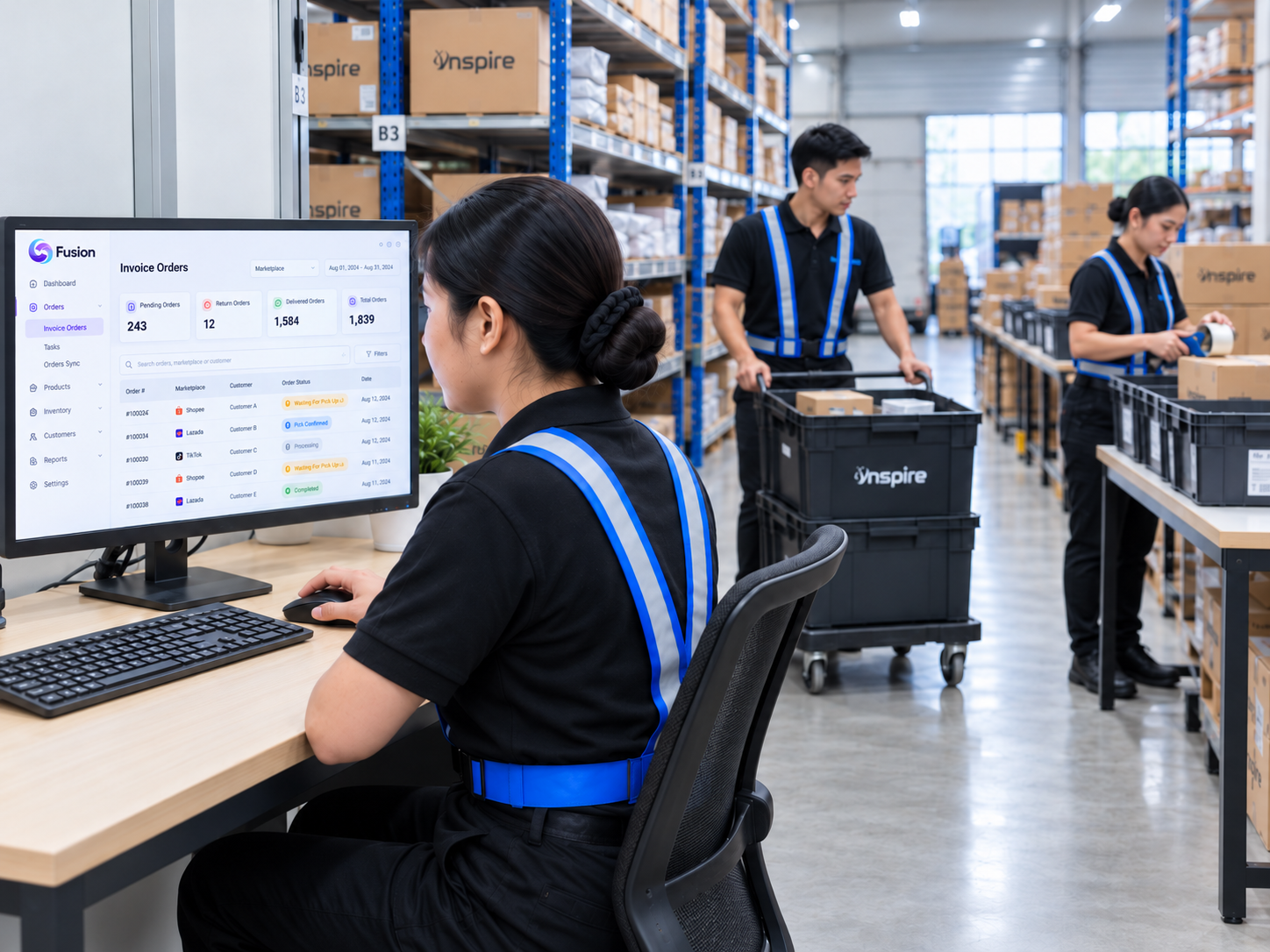
Processing ecommerce orders involves more than receiving a customer’s purchase. Businesses must confirm orders, verify payments, update inventory records, prepare items for dispatch, and keep customers informed about delivery progress. Managing these tasks manually can become difficult as order volumes increase or sales channels expand.
Ecommerce order automation connects these activities through software, predefined rules, and integrations between business systems. Instead of requiring staff to handle every routine step individually, businesses can automate eligible tasks and coordinate the remaining work across their operations.
Understanding how automation works from checkout to shipping can help ecommerce businesses identify repetitive processes, reduce unnecessary manual work, and improve coordination between order management, inventory, and warehouse teams.
The specific tasks available for automation depend on the ecommerce platform, order management software, warehouse systems, shipping integrations, and business rules. However, several common stages can often be connected.
When a customer places an order, an ecommerce platform can capture the purchase details, including the products, quantities, delivery address, and selected shipping option.
An integration can then transfer these details to the system responsible for managing the order. The system may assign an order number, record the transaction, and trigger a confirmation email or message.
This reduces the need for employees to copy order information between platforms. It can also help establish a consistent starting point for subsequent processing.
Businesses operating across multiple sales channels should check that orders from each channel enter the appropriate workflow without being duplicated or omitted.
Payment status must be checked before an order proceeds to the next stage, according to the business’s payment and fraud-control procedures.
Connected systems can receive payment updates and use predefined rules to determine whether an order is ready for processing. For example, an order with confirmed payment may proceed to fulfillment, while a declined or pending transaction may be held for review.
The workflow should account for refunds, cancellations, payment failures, and transactions that require additional verification. Automating status updates without the correct checks could send an order forward before it is ready.

Once an order meets the necessary processing conditions, the relevant system can update inventory records and allocate stock to the purchase.
These updates help businesses maintain a clearer view of available quantities across sales channels and warehouse locations. They can also support decisions about which location should fulfill an order when stock is distributed across multiple facilities.
The workflow needs clear rules for reservations, cancellations, returns, and inventory adjustments. Otherwise, different systems may display inconsistent stock figures.
After an order is released for fulfillment, the warehouse team needs the correct product details, quantities, and handling instructions.
Integrated systems can transfer order information to warehouse staff, organize eligible orders into picking tasks, and support the preparation of packing documents or shipping labels through compatible tools.
The extent of automation varies. Some operations rely on software-generated picking lists and staff-performed packing, while others use additional equipment or automated handling systems.
For many businesses, the immediate opportunity is to reduce repeated data entry and ensure that warehouse teams receive complete, timely order information.
Once an order has been packed and handed over for dispatch, a connected shipping system can return shipment details or tracking information to the relevant platform.
The system may then trigger a dispatch confirmation and provide customers with a tracking link. Further updates can be sent when the carrier reports new delivery information, provided the integration supports those events.
These notifications reduce the need for employees to send routine updates individually. They also help customers understand whether an order has been processed, dispatched, or reported as delivered.
Businesses should confirm that notifications reflect actual system or carrier events rather than assumed delivery progress.
Order automation is more effective when sales, inventory, and warehouse systems exchange information reliably. If these systems operate separately, employees may need to transfer order details manually, reconcile stock figures, or contact warehouse teams to confirm processing status.
A connected workflow can link the sales platform with inventory records and warehouse tasks. When an order is accepted, the relevant systems can update the order status, reserve eligible stock, and communicate the information needed to prepare the shipment.
A warehouse management system can support this process by helping manage warehouse inventory and coordinate activities such as receiving, storage, picking, and dispatch. Its specific capabilities depend on the software and how it is configured.
For example, consider an ecommerce business that receives orders through multiple online marketplaces. If its systems are connected correctly, an order from one marketplace can be transmitted to the fulfillment workflow, the corresponding stock can be allocated, and warehouse staff can receive the necessary picking information.
The same workflow can also define what happens when the requested quantity is unavailable. Rather than allowing the order to proceed as usual, the system can flag the issue for review or follow an approved backorder procedure.
Businesses should assess how their platforms exchange data, how quickly updates appear, and which team is responsible for resolving discrepancies. These details are important because automation cannot reliably coordinate operations when the underlying information is incomplete or inconsistent.
When implemented around clear business requirements, automation can improve several aspects of daily order management.
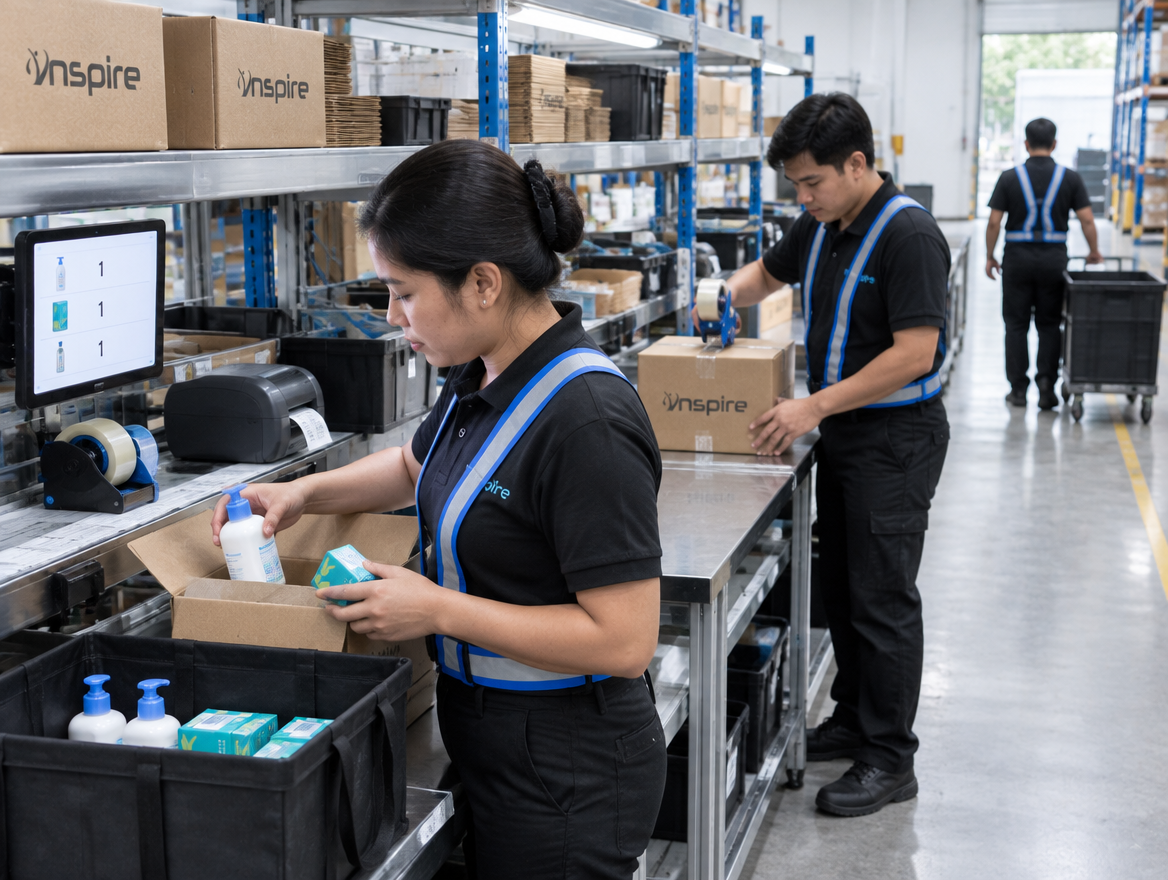
Employees may spend considerable time copying order details, updating statuses, preparing routine documents, and sending standard notifications.
Automating repetitive tasks can make order processing and fulfillment more efficient by reducing repeated manual actions. Staff can then devote more attention to customer concerns, unusual orders, and other work that requires judgment.
A defined workflow helps ensure that routine tasks follow the same sequence and conditions. For example, the system can require an approved payment status before releasing an order for fulfillment.
Consistency depends on well-configured rules, reliable integrations, and regular monitoring. Automation can still reproduce incorrect information if the source data or workflow is faulty.
Connected order and inventory systems can help businesses keep stock records aligned with sales activity. Timely updates make it easier to identify available quantities and recognize potential stock discrepancies.
The quality of this visibility depends on how inventory movements, returns, cancellations, and adjustments are recorded across the operation.
Automated transfers can provide warehouse teams with order details without requiring staff to re-enter information from another platform.
This can make responsibilities and processing status easier to track, particularly when businesses handle orders across several channels or facilities. Effective coordination still requires clear procedures for urgent orders, exceptions, and dispatch deadlines.
Manual processes that work for a small number of daily orders may become difficult to maintain as sales grow.
Automation can help businesses handle higher volumes of routine transactions without increasing manual effort at the same rate. However, growth may still require additional warehouse capacity, staffing, equipment, system resources, or changes to fulfillment procedures.
Automating order workflows requires more than connecting software. Businesses need to account for operational exceptions, data quality, and the limits of their existing systems.
An ecommerce store, inventory application, warehouse system, and shipping platform may use different data formats or update schedules. If integrations are incomplete, order details and processing statuses may not transfer correctly.
Before implementation, businesses should map the information exchanged between systems, identify gaps, and test the full workflow rather than checking each connection in isolation.
Product identifiers, stock quantities, shipping addresses, and order statuses must be consistent enough for systems to process them correctly.
Businesses should establish procedures for maintaining product records, resolving discrepancies, and correcting invalid order information. Automated checks can identify certain problems, but employees may still need to investigate and resolve exceptions.
Not every order follows the normal path. Payment failures, unavailable stock, cancellations, address errors, and failed system transfers can interrupt processing.
A reliable workflow should specify when an order is paused, which team receives an alert, and what conditions must be met before processing resumes. Without these rules, orders may become stuck or proceed without the necessary checks.
Automation can make routine processing more efficient, but businesses still need to know whether tasks are completing as expected.
Monitoring should cover important events such as failed order transfers, delayed inventory updates, unprocessed warehouse tasks, and unsuccessful shipping notifications. Teams should also know how to review logs and escalate unresolved issues.
Software configuration, integration work, employee training, and ongoing support all require resources. A system that fits one business may not suit another with different products, sales channels, or warehouse processes.
Businesses should start with the workflows that create the most operational difficulty, test the changes with representative orders, and review performance before expanding automation to additional tasks.
Selecting an appropriate setup starts with understanding how orders move through the business today. Rather than automating every available task immediately, identify where manual work, delays, or disconnected systems create the greatest operational burden.
Use the following considerations to assess potential solutions.
Document each stage from checkout to dispatch. Identify which tasks are performed manually, which systems are involved, where information is re-entered, and what causes orders to require additional attention.
Mapping the current workflow provides a practical basis for deciding which activities should be automated first.
Confirm whether the ecommerce platform, inventory application, warehouse system, and shipping tools can exchange the required information.
Review supported integrations, data synchronization, order status updates, and how system failures are reported. Ask providers to demonstrate the actual workflow using scenarios relevant to your business.
Identify the key fulfillment process steps that occur after checkout, including payment checks, stock allocation, picking, packing, shipping preparation, and customer notifications.
Clarify which steps can be automated, which require employee approval, and how exceptions will be handled. This helps prevent gaps between software functionality and day-to-day operations.
Consider your product range, order volume, storage arrangements, shipping needs, and number of sales channels.
Businesses with more complex warehousing requirements may need closer coordination between their order systems and ecommerce fulfillment operations. Evaluate whether the proposed setup can support the complete workflow, from inventory allocation to dispatch, without creating unnecessary manual work.
Before implementation, decide how the business will evaluate results. Useful measures may include:
Compare results against a baseline from before implementation. The goal is to determine whether automation improves the operation, not simply to increase the number of automated tasks.
Businesses should also consider ongoing maintenance, staff training, system reliability, and the resources required to manage exceptions. These factors help determine whether the setup remains practical as order volumes and operational needs change.
Yes. Small businesses can start by automating a few repetitive tasks, such as order confirmations, inventory updates, or shipping notifications. The best starting point depends on order volume, available software, and which manual tasks take the most time.
The system should follow a predefined exception process, such as placing the order on hold, notifying the responsible team, or requesting manual review. Businesses should establish clear procedures for payment failures, unavailable stock, incomplete addresses, and failed system transfers.
Not always. Some ecommerce platforms include basic order management features, while businesses with multiple sales channels or more complex workflows may need a separate system. The decision depends on existing capabilities, integration requirements, and operational needs.
Implementation time varies according to system complexity, the number of integrations, data quality, and the workflows involved. A business with compatible platforms and straightforward requirements may implement basic automation more quickly than one that needs extensive customization or data migration.
Document the current process, identify recurring problems, check system compatibility, and establish baseline performance measures. Testing proposed changes with representative orders can help uncover issues before the new workflow is introduced across the operation.
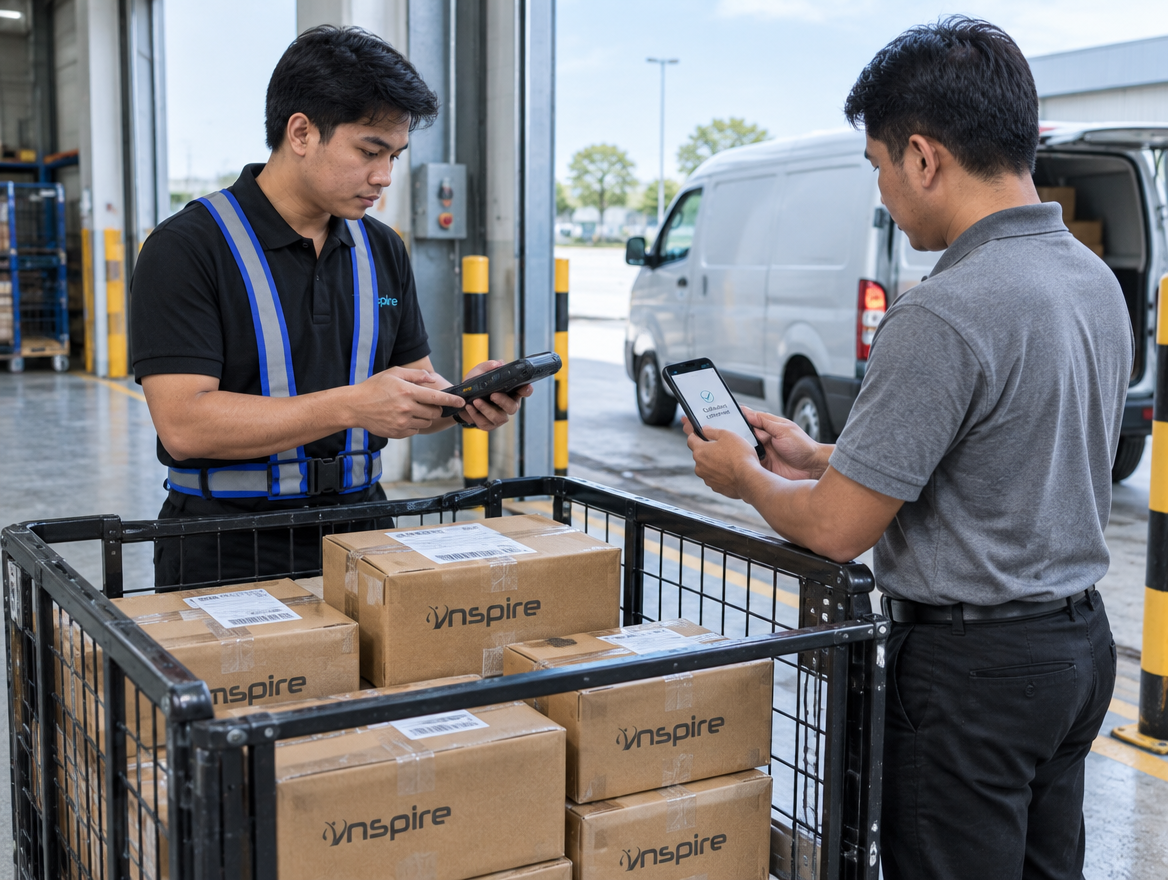
Ecommerce order automation can connect checkout, payment verification, inventory updates, warehouse preparation, and shipping notifications into a more coordinated workflow. By identifying repetitive tasks, integrating compatible systems, and establishing clear procedures for exceptions, businesses can reduce unnecessary manual work and improve visibility across order processing.
The most suitable setup depends on the business’s sales channels, warehouse requirements, technology, and operational goals. Reviewing these factors before implementation helps ensure that automation supports the entire order lifecycle rather than improving one isolated task.
Businesses evaluating ways to coordinate warehousing, fulfillment, and technology can explore available solutions and discuss their operational requirements with a suitable service provider.
Inspire E-Commerce Solutions Inc.
Warehouse 4 & 5, C Teknik Industrial, 143 P. Gregorio Street, Valenzuela,
1442 Metro Manila
inspiresolutions.asia
